The centre disc is the only wearing component in an Oldham coupling. When everything else about the coupling is correctly specified and installed, the disc is what limits service life — and replacing it at the right time is what prevents a gradual performance degradation from becoming a sudden machine failure or a persistent positioning problem that nobody can explain.
The good news is that disc wear follows a predictable pattern that gives plenty of warning before it becomes critical. Unlike a bellows coupling that fractures without notice, or a jaw coupling whose spider can disintegrate suddenly, an Oldham disc communicates its condition through measurable, observable changes that any maintenance technician can detect with basic tools. This article explains exactly what those signs are, how to measure them reliably, and what to do when a replacement is needed.
Understanding the Wear Mechanism
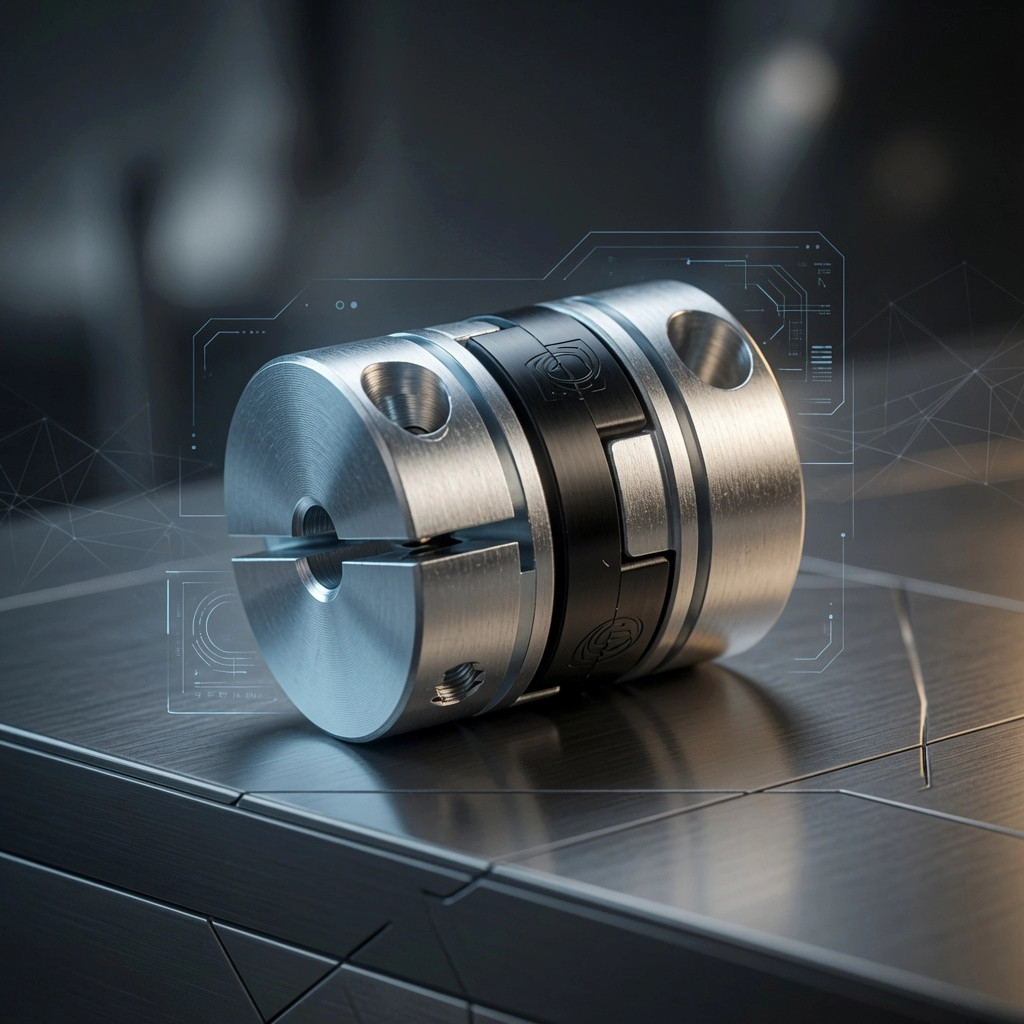
To recognise wear signs correctly, it helps to understand the mechanism behind them. During operation, the centre disc slides back and forth within the hub slots at a frequency equal to the coupling’s rotational speed and an amplitude proportional to the lateral shaft offset. The disc tenon faces bear against the hub slot walls throughout this motion, with a contact pressure determined by the transmitted torque and the tenon contact area.
Over time, this sliding contact removes material from the disc tenon faces — the softer polymer wearing against the harder aluminium or steel hub. As material is lost, the tenon width decreases relative to the slot width. This growing dimensional difference is what appears as backlash: the driven hub can rotate slightly relative to the driving hub before the tenon contacts the opposite wall of the slot.
The wear rate is not constant. It accelerates when transmitted torque is high, when lateral misalignment is large, when rotational speed is high, and when the disc runs in an elevated temperature environment. Once measurable backlash begins to develop, the wear rate typically accelerates further — because the tenon now impacts the slot wall at each reversal rather than sliding into contact smoothly, and impact loading is far more damaging than sliding contact.
7 Warning Signs That Disc Replacement Is Due
Sign 1 — Detectable backlash by hand. Hold the driven component firmly and rotate the driving shaft by hand in both directions. If you can feel any angular free play — even a fraction of a degree — the disc has worn beyond its initial zero-backlash state. This is the most direct and reliable warning sign, and it requires no instruments beyond a steady hand.
Sign 2 — Positioning drift in open-loop systems. In stepper-driven systems without position feedback, disc wear manifests as gradual drift in the relationship between commanded position and actual position, particularly after direction reversals. If a machine that previously homed accurately to a reference point now homes to a slightly different position each cycle, or if cut dimensions on a CNC router have started showing a directional bias, coupling disc wear is one of the first things to check.
Sign 3 — Servo hunting or oscillation at standstill. In closed-loop servo systems, a worn disc introduces a discontinuity into the plant model that the control loop was not tuned for. The servo may begin hunting — oscillating around the target position rather than settling cleanly — particularly after direction reversals. If a servo axis that previously settled quickly now shows sustained oscillation at the end of a move, disc wear is a likely cause alongside other possibilities such as mechanical looseness or changed load inertia.
Sign 4 — Audible clicking or knocking at low speed. As backlash increases, the impact between the tenon and the slot wall at each reversal becomes increasingly forceful. At some point this impact becomes audible as a faint click or knock, particularly at slow speeds where the coupling moves from one direction to the other gradually enough for the impact to be distinguishable. This sound, absent during initial commissioning, is a clear indicator of significant disc wear.
Sign 5 — White surface discolouration or powdering on acetal discs. Acetal (POM) under cyclic contact stress eventually develops surface fatigue — the material crystallises and whitens at the contact zone, and fine white powder can be seen on the tenon faces or in the hub slot. This whitening is distinct from the normal polished appearance of a lightly loaded disc and indicates that surface fatigue cracking has begun. A disc showing this sign should be replaced promptly, as the fatigue process accelerates rapidly once it is visible.
Sign 6 — Visible material loss or tenon profile change. Remove the disc and examine the tenon faces under good lighting, preferably with a magnifying glass. A new disc has flat, square tenon faces with sharp edges at the contact surfaces. A worn disc shows rounding or flattening of the tenon edge profile, visible reduction in tenon height, or asymmetric wear where one face has worn more than the corresponding opposite face (indicating uneven load distribution or angular misalignment).
Sign 7 — Dimensional measurement outside specification. Using a calliper or micrometer, measure the tenon width at the contact faces and compare against the new-disc specification from the manufacturer’s datasheet. A reduction in tenon width of more than 3 to 5 percent from the nominal dimension typically indicates that backlash is at or approaching the manufacturer’s wear limit.
Measuring Backlash Accurately
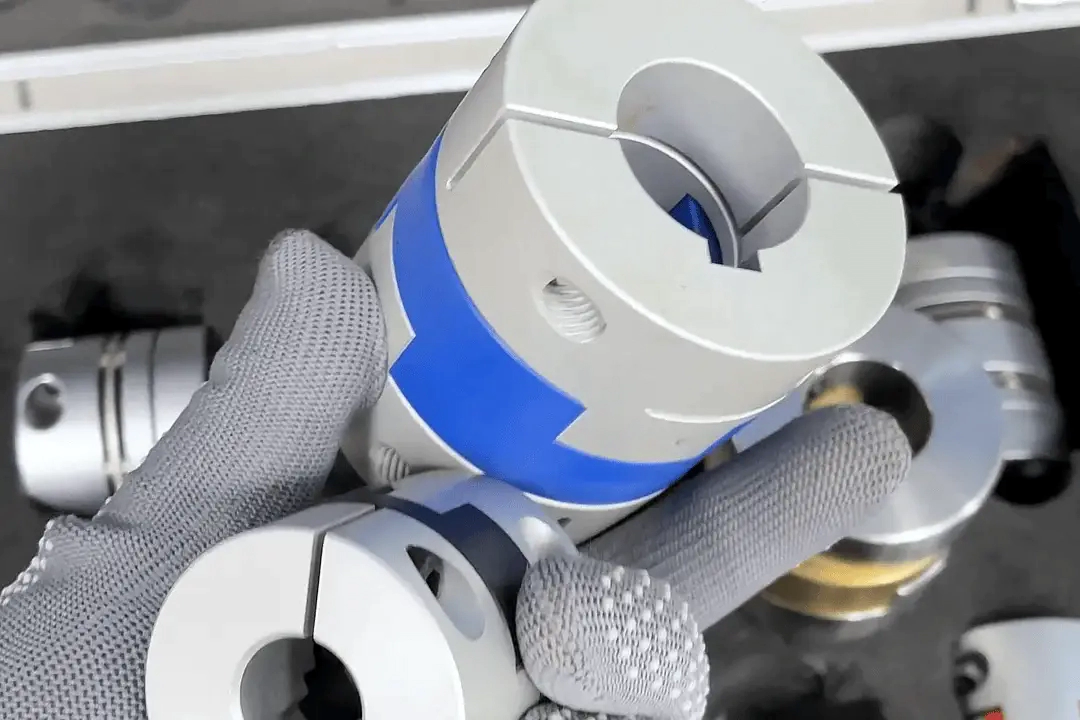
A quantitative backlash measurement provides a reliable, objective basis for replacement decisions and enables trend monitoring over time. Two measurement approaches are commonly used:
Dial indicator method (most accurate for linear axes): Mount a dial indicator with its plunger contacting the driven component — ballscrew nut, gear, or driven shaft — perpendicular to the direction of free play. Hold the driving shaft stationary. Apply light hand pressure to the driven component in one direction and zero the indicator. Then apply equal pressure in the opposite direction. The indicator reading is the total backlash in linear units at the measurement point. To express in angular terms: backlash (degrees) = arctan (linear reading / measurement radius).
Pointer method (for accessible couplings): Attach a pointer or reference mark to the driven hub and a scale to a fixed part of the machine frame, calibrated in angular units. Rotate the driving shaft in one direction until all free play is taken up, mark the driven hub position. Rotate in the opposite direction to the next hard stop, and mark again. The angular difference between the two marks is the coupling backlash.
Replacement trigger values by application type:
| Application | Replace When Backlash Exceeds |
|---|---|
| Encoder / resolver feedback | 0.05–0.10° |
| High-precision servo axis (CNC, robot) | 0.10–0.20° |
| Standard servo / stepper axis | 0.20–0.30° |
| General industrial drive | 0.30–0.50° |
| Heavy-duty / low-precision | 0.50°+ |
Step-by-Step Centre Disc Replacement
Before you begin: Confirm you have the correct replacement disc — matching the original in outer diameter, tenon dimensions, and material. Gather a calibrated torque wrench, the correct driver for the hub fasteners (usually hex socket), a lint-free cloth, and optionally a dial indicator for post-replacement verification.
1. Isolate the machine. Follow your facility’s lockout/tagout procedure. Confirm the drive is de-energised and cannot be started.
2. Loosen hub fasteners. For clamp hubs, loosen the clamp screw 2–3 turns — just enough to free the bore from the shaft. For set-screw hubs, back the screw out fully. Do not remove the hubs from the shafts.
3. Slide hubs apart axially. Move each hub 5–10 mm away from the disc along its shaft. The disc tenons will disengage from the hub slots.
4. Remove and inspect the worn disc. Lift it out. Examine both tenon faces and record what you observe — this data informs the next disc selection and reveals whether operating conditions were within specification.
5. Inspect hub slots. Wipe the slots clean with a dry cloth. Examine slot walls for wear, scoring, or debris. Flat, square slot walls with sharp edges are correct. Any rounding or scoring indicates hub damage — a worn hub should be replaced along with the disc, not just the disc alone.
6. Install the new disc. Engage one tenon face into one hub’s slot. Bring the hubs together and engage the second tenon into the second hub’s slot. Both tenons must be fully seated — the disc should sit centrally between the hubs with equal engagement depth on both faces.
7. Restore hub axial positions. Slide each hub back to its operating position, verifying that there is 0.5–1.0 mm axial clearance between the disc faces and the hub inner faces. The disc must not be axially compressed.
8. Tighten hub fasteners to specified torque. Use a calibrated torque wrench. Refer to the coupling manufacturer’s datasheet for the correct torque value — this is typically between 0.5 and 5.0 Nm depending on coupling size and fastener type.
9. Verify backlash. Perform a hand-rotation check. A correctly installed new disc should restore backlash to zero — no detectable play in either direction.
10. Record the replacement. Log the date, machine operating hours, disc condition on removal, hub condition, and new disc part number. Update the maintenance schedule with the next inspection or replacement interval.
What to Do If Disc Replacement Does Not Restore Zero Backlash
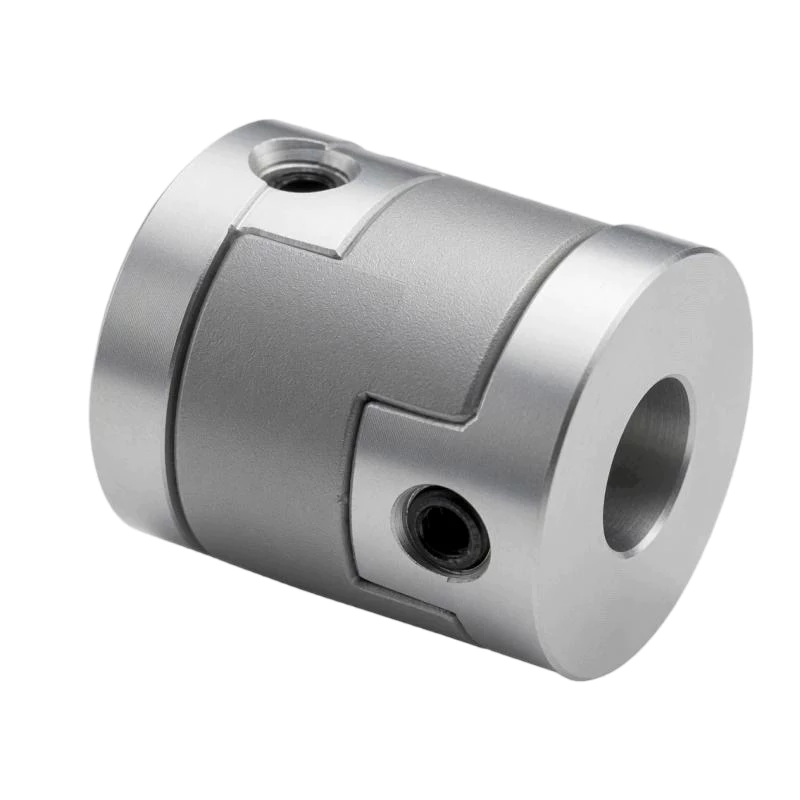
If measurable backlash persists after fitting a new disc, the cause is not the disc — it lies elsewhere in the coupling or the shaft connection. Work through this checklist:
Hub slot wear: If the hub slots have been running against a worn disc for an extended period, or if the coupling was overloaded, the slot walls may have worn as well. A worn hub slot cannot grip the disc tenon tightly regardless of how new the disc is. Measure the slot width — if it exceeds the new-disc tenon width plus the manufacturer’s clearance specification, replace the hub.
Hub slippage on shaft: Backlash that appears only in one rotational direction — the hub rotating relative to the shaft rather than the disc moving in the slot — indicates hub slippage. Check hub fastener torque and shaft surface cleanliness. If the shaft surface has been damaged by previous set-screw contact, it may need to be refinished before a secure hub grip can be achieved.
Wrong disc size: Confirm that the replacement disc matches the original specification exactly. A disc with a tenon that is even 0.1 mm narrower than specified will show detectable backlash immediately upon installation.
How to Extend Time Between Replacements
After replacing a disc, it is worth reviewing whether the application conditions can be adjusted to extend the next disc’s service life:
- Improve shaft alignment: Reducing lateral offset from 0.5 mm to 0.2 mm can extend disc life by a factor of 3 to 5. Even a small alignment improvement pays large dividends in reduced wear rate.
- Upgrade disc material: If the removed disc showed accelerated wear, consider a harder or more wear-resistant disc material for the replacement — glass-filled nylon or PEEK rather than standard acetal.
- Verify operating torque: If the machine’s load has increased since original installation, recalculate the design torque and confirm the coupling still has adequate safety margin. An underrated coupling will wear its disc faster than specified.
- Check operating temperature: If the disc shows signs of thermal softening (glossy, deformed contact surfaces), investigate whether ambient temperature or motor heating has elevated the disc temperature above the material’s rated operating range.
Conclusion
Knowing when to replace the centre disc of an Oldham coupling is straightforward when you know what to look for. Detectable backlash, audible clicking, positioning drift, servo hunting, and visible disc surface changes are all clear, early indicators that replacement is needed. Backlash measurement provides a quantitative basis for scheduled replacement before any of these symptoms appear. And when replacement is needed, the five-minute disc swap procedure restores the coupling to zero-backlash performance without disturbing shaft alignment or requiring any specialist tools. It is one of the most favourable maintenance propositions in all of precision motion engineering.
Order replacement discs from our spares catalogue, or contact our team if you are unsure which disc part number matches your existing coupling.